
Plan the
perfect trip.
Every stop, booking, photo, and direction — in one beautiful app. Drop in your destinations and Mapsiti does the rest: an optimized route, a day-by-day timeline, and one-tap turn-by-turn directions in Apple Maps. Before the trip — and all along the way.
- No account
- No ads
- No tracking
- iPhone · iPad · Mac
Zero guesswork
Your whole trip, in three taps.
Drop in your stops
Search any address or place, or import straight from Contacts. Road trip, city break, work travel, or a day of errands.
Watch it come together
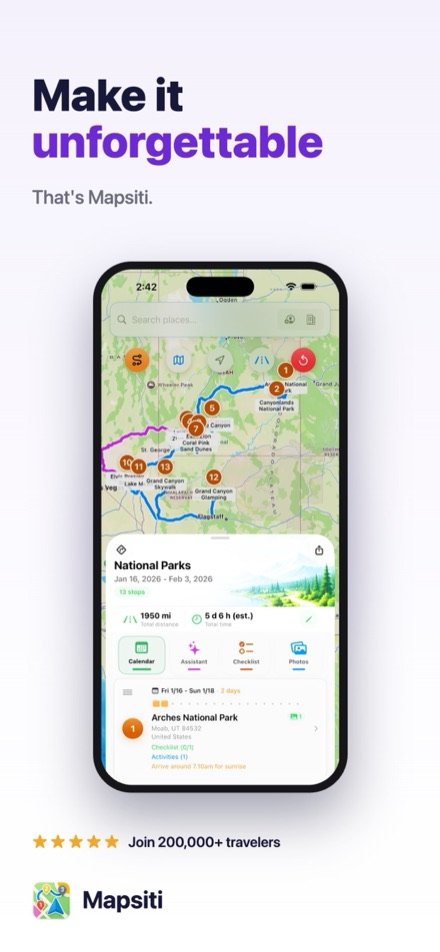
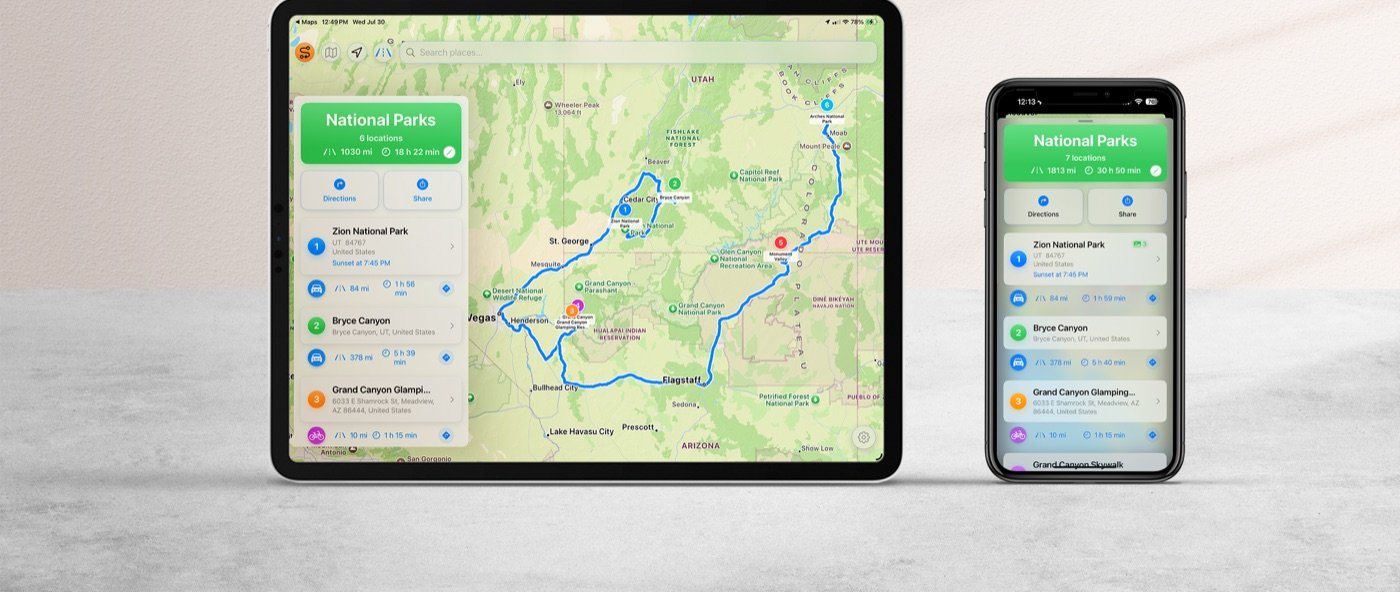
An optimized route, a day-by-day timeline, and travel times between every stop — recalculated instantly when you reorder.
Tap. Go.
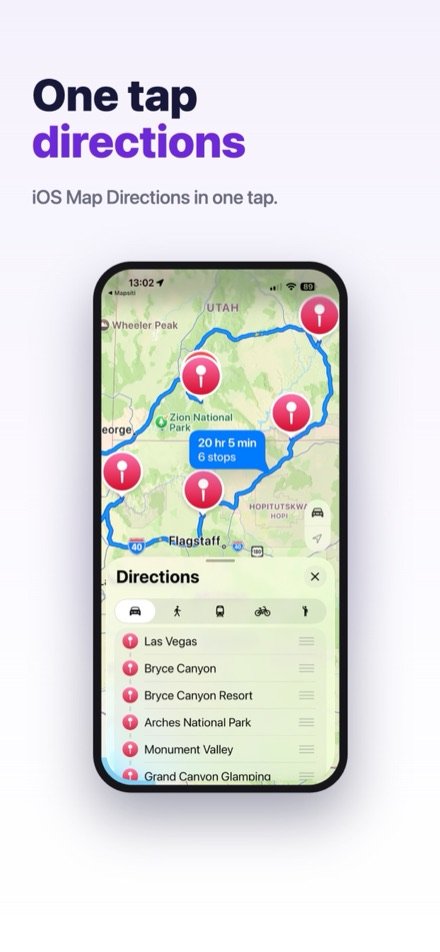
Launch turn-by-turn directions in Apple Maps with a single tap. Airplane, car, transit, bike, and walking modes.
On the road
Planning is half the trip.
Mapsiti rides along.
Everything you organized is right there when you need it — no digging through emails, no switching between apps.
Every detail, in seconds
Reservations, checklists, notes, and today's plan — one tap away the moment you arrive at each stop.
Driving directions in seconds
Your next stop is already lined up — launch Apple Maps turn-by-turn navigation with a single tap.
Help along the way
Stuck, hungry, or curious? Ask the AI Assistant for a lunch spot, a scenic detour, or a hidden gem nearby — it knows your route and adds stops in one tap.
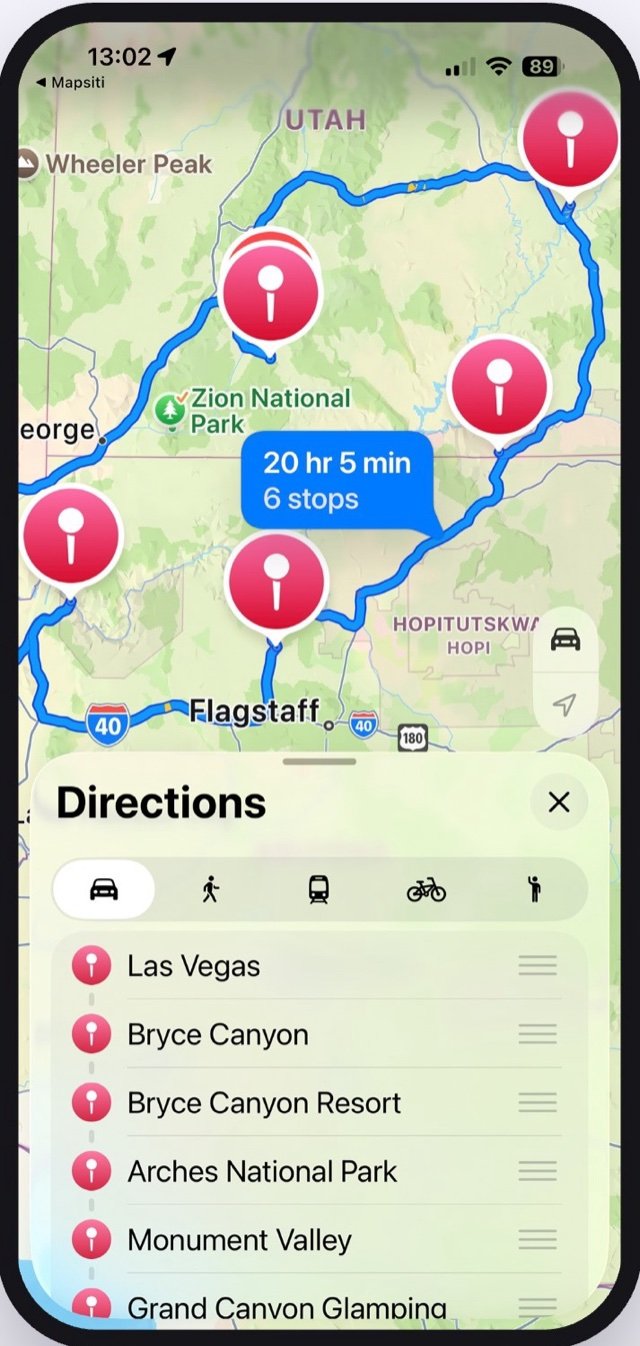
Smart routes
Multi-stop itineraries, optimized for you.
Build trips with dates, notes, and photos on every stop — and see your whole adventure at a glance.
- See travel time between stops — and your whole trip at a glance
- Reorder any stop in one tap; schedule and route update instantly
- Airplane, car, transit, bike, and walking modes
- Launch directions in Apple Maps with a single tap
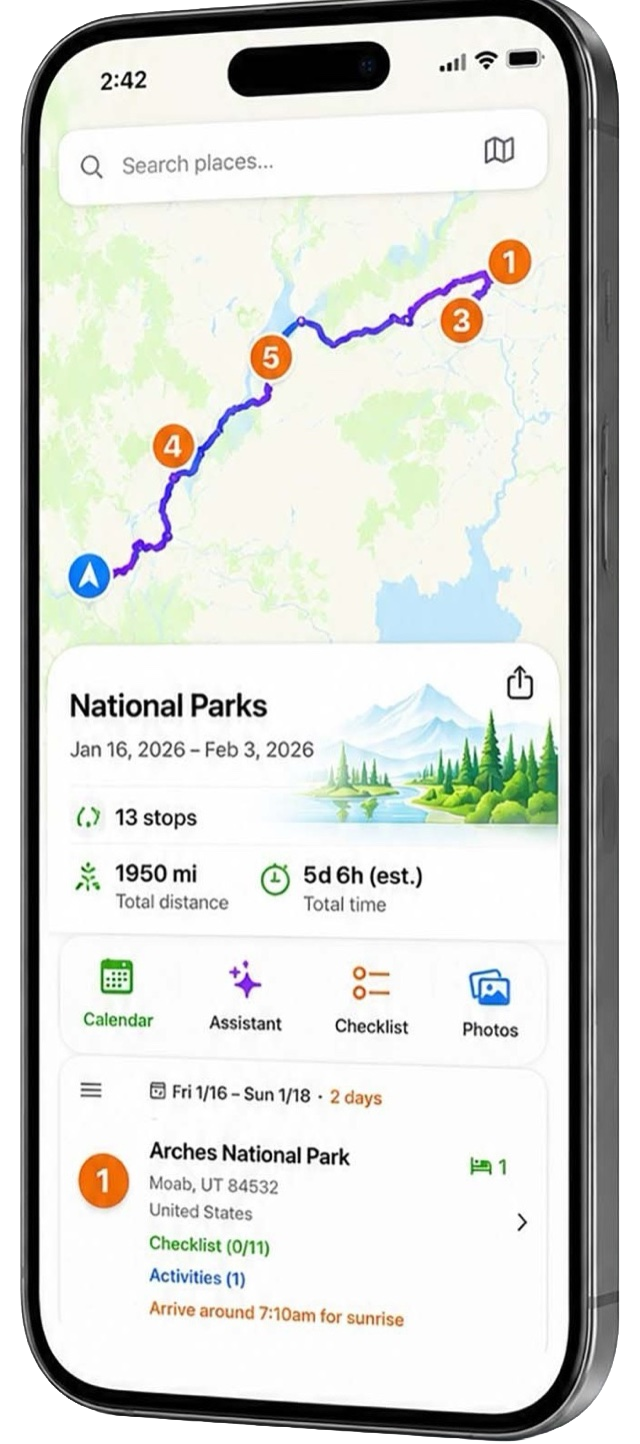
AI travel assistant
Hidden gems, found for you.
Your trip-aware assistant already knows your full itinerary — no copy-pasting, no lost context. Ask anything, add anything, in one tap — at home planning, or already on the way.
- “Best way from Paris to Lyon?” — instant route advice
- Scenic detours and local favorites you’d never find on your own, discovered mid-trip
- Packing lists, timing tips, and weather-aware suggestions
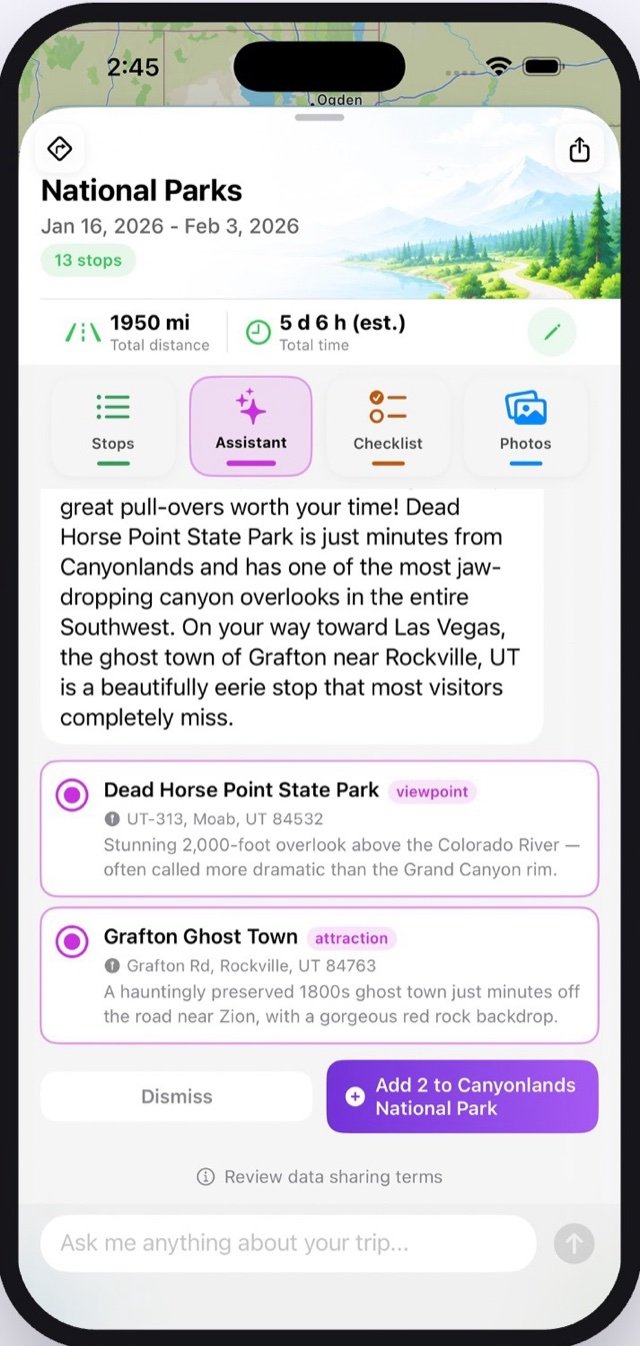
Every detail, organized
Your journey, in one place.
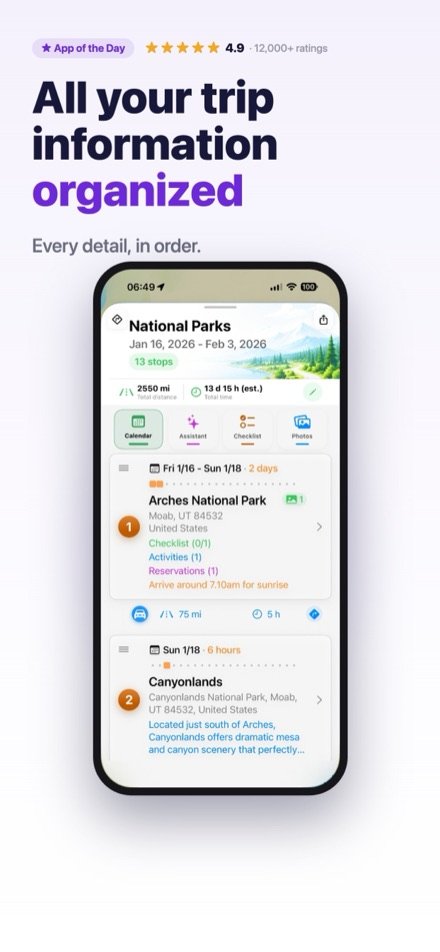
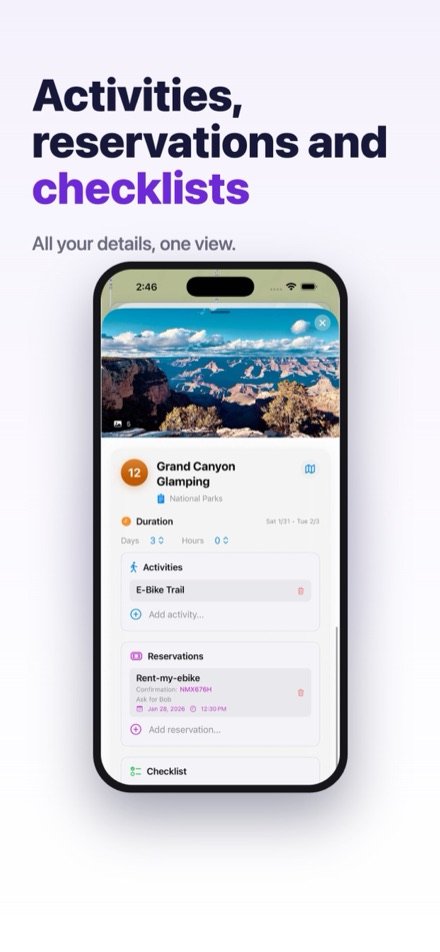
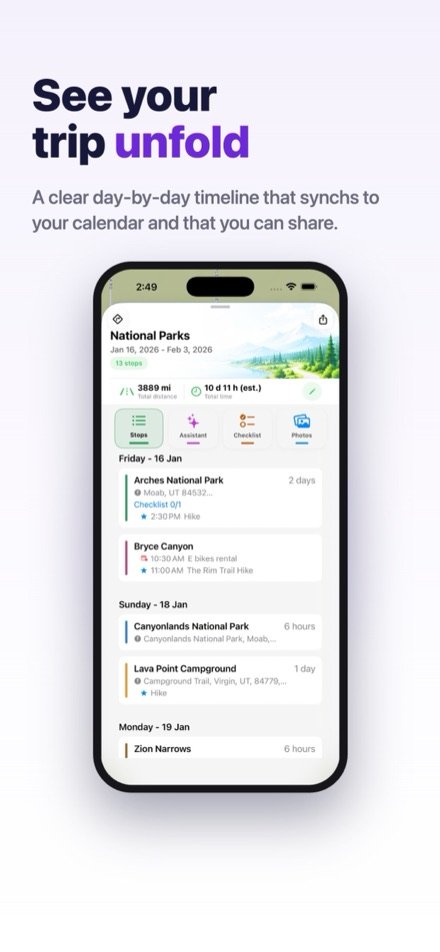
No more digging through emails. Attach everything to the stop it belongs to, and see your trip unfold as a clear day-by-day timeline.
- Reservations, activities, and checklists on each stop
- A clear day-by-day timeline of your whole adventure
- Notes and photos, right where you need them
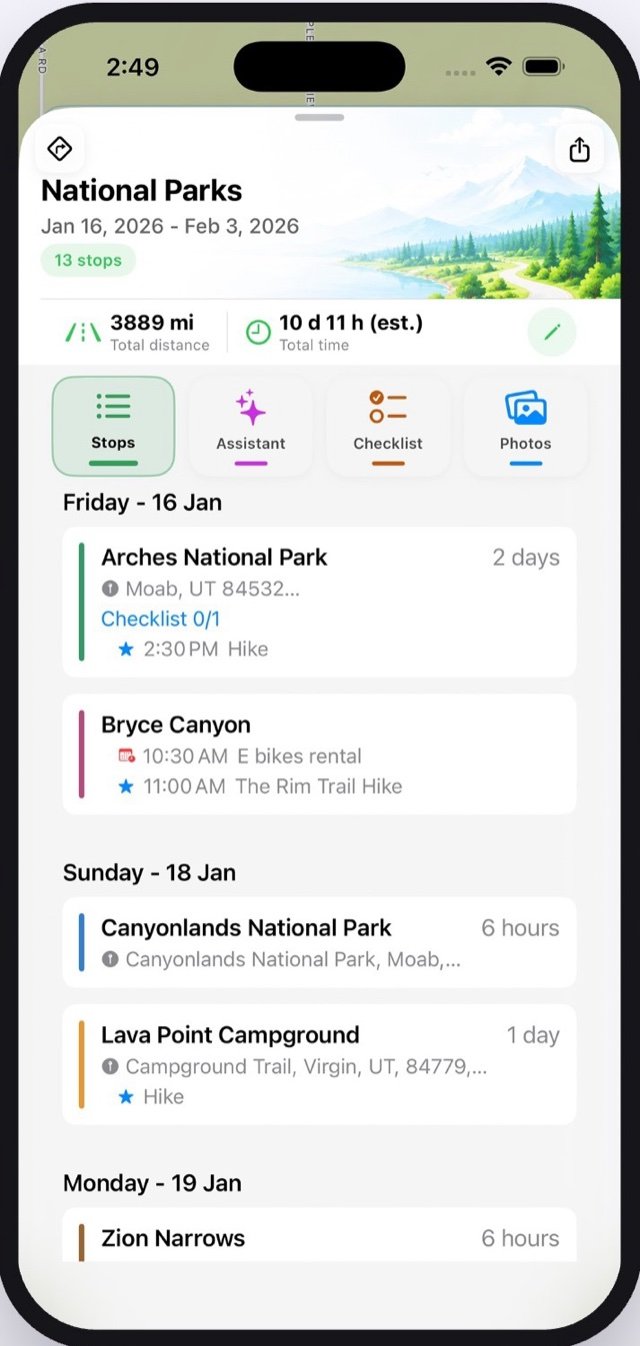
Memories
Photos that organize themselves.
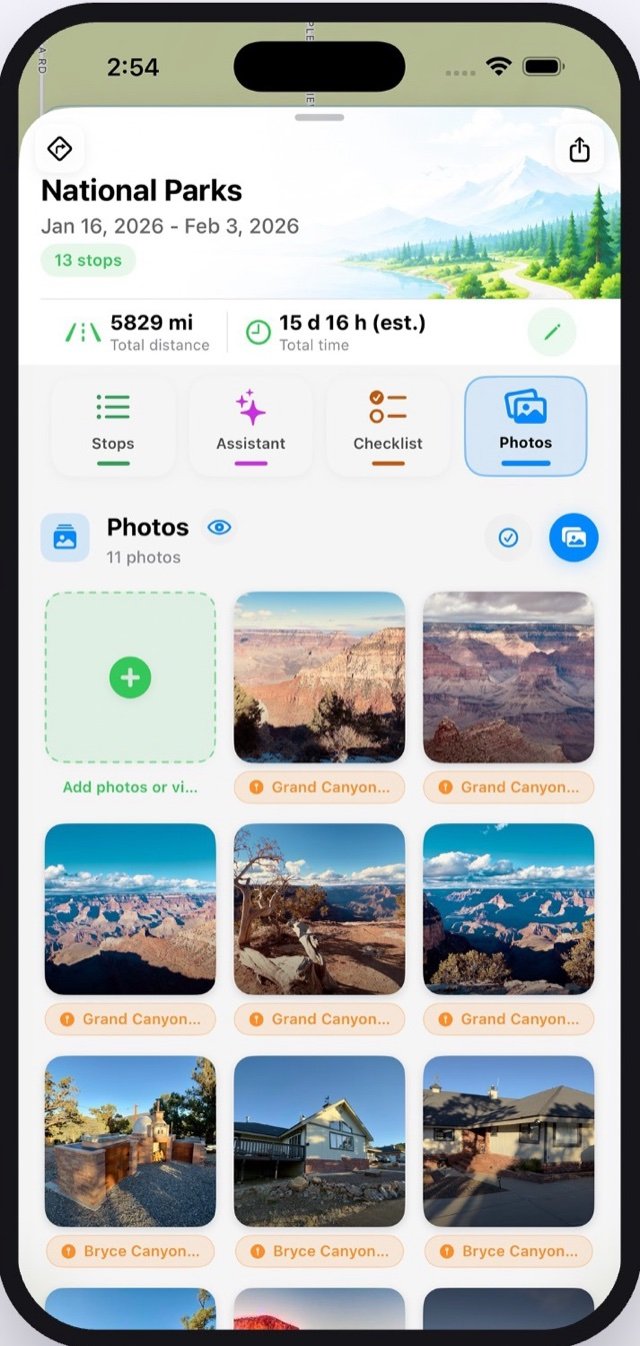
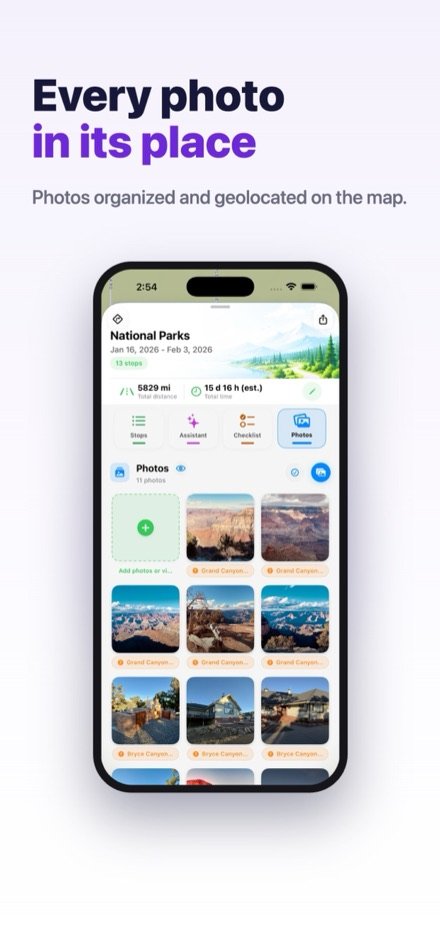
Every trip gets its own album on iPhone, iPad, and Mac. Tap a photo to jump to its stop — tap a stop to relive the moment.
- Photos auto-group by location and appear as pins on your map
- Albums live in your Photos library — yours forever, even if you delete the app
- Synced across all your devices with iCloud
Share the journey
Turn your route into a little film.
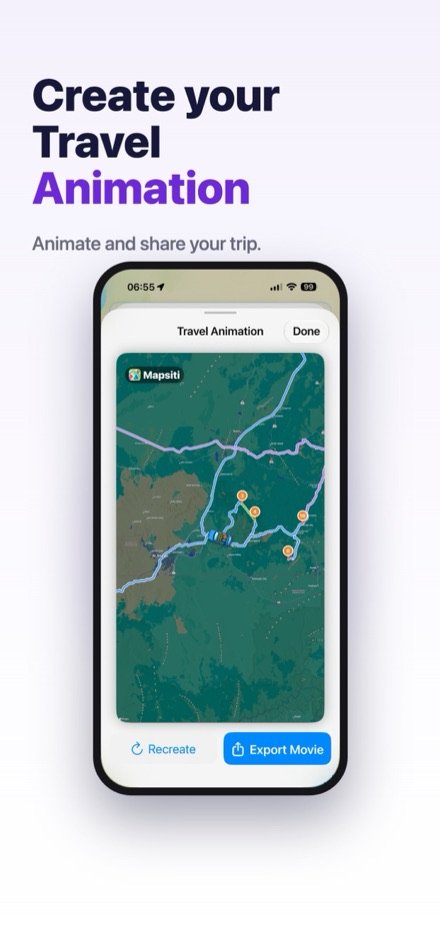
Send itineraries to friends and family — or create a Travel Animation, a beautiful video of your route to share anywhere.
- Share complete itineraries in seconds
- Export your Travel Animation as a movie
- Perfect for the group chat — and the grandparents
In action
Designed to be loved.



iCloud sync everywhere
Plan on iPhone.
Explore on iPad. Master on Mac.
Mapsiti is a true native app on every Apple device — with your trips always in sync through iCloud.

Private by design
Your trips are yours alone.
No account. No ads. No tracking.
Nothing to sign up for, nothing watching you. Open the app and start planning.
iCloud sync
Your itineraries and albums follow you across iPhone, iPad, and Mac — privately, in your own iCloud.
100% Apple Maps
Seamless, fast, and beautiful — the maps you already trust, with none of the baggage.
Questions
Good to know.
Is Mapsiti really built on Apple Maps?
Yes — 100%. Search, maps, and turn-by-turn directions are all powered by Apple Maps, so everything feels seamless, fast, and familiar on your iPhone, iPad, and Mac.
Do I need to create an account?
No. There’s no account, no ads, and no tracking. Your data syncs privately across your devices through your own iCloud.
What happens to my trip albums if I delete the app?
They’re yours forever. Mapsiti creates real albums in your Photos library on iPhone, iPad, and Mac — they stay even if you remove the app.
Which ways of traveling does it support?
Airplane, car, transit, bike, and walking. Mapsiti shows travel times between every stop and lets you mix modes across your trip.
Can I share a trip with someone who doesn’t have the app?
Yes. Send your itinerary to friends and family, or export a Travel Animation — a beautiful video of your route you can share anywhere.
How much does it cost?
Mapsiti is free to download. See the App Store listing for current pricing of premium features.
Need more detail? Read the full user guide →

More moments.
Less planning.
That’s Mapsiti. Download now and map out your first trip in seconds.